🌤 How to use Teacher Sky
Teacher Sky is an AI helper: it doesn't just give answers, it shows parents how to guide the child step by step.
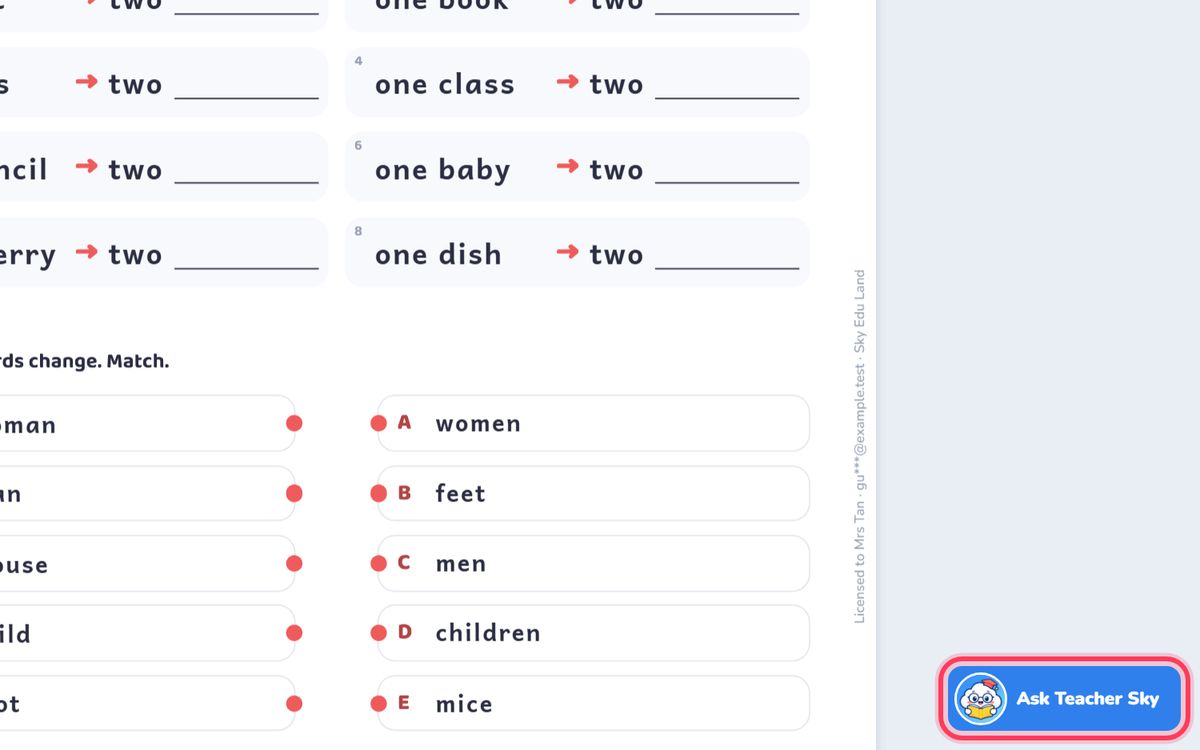
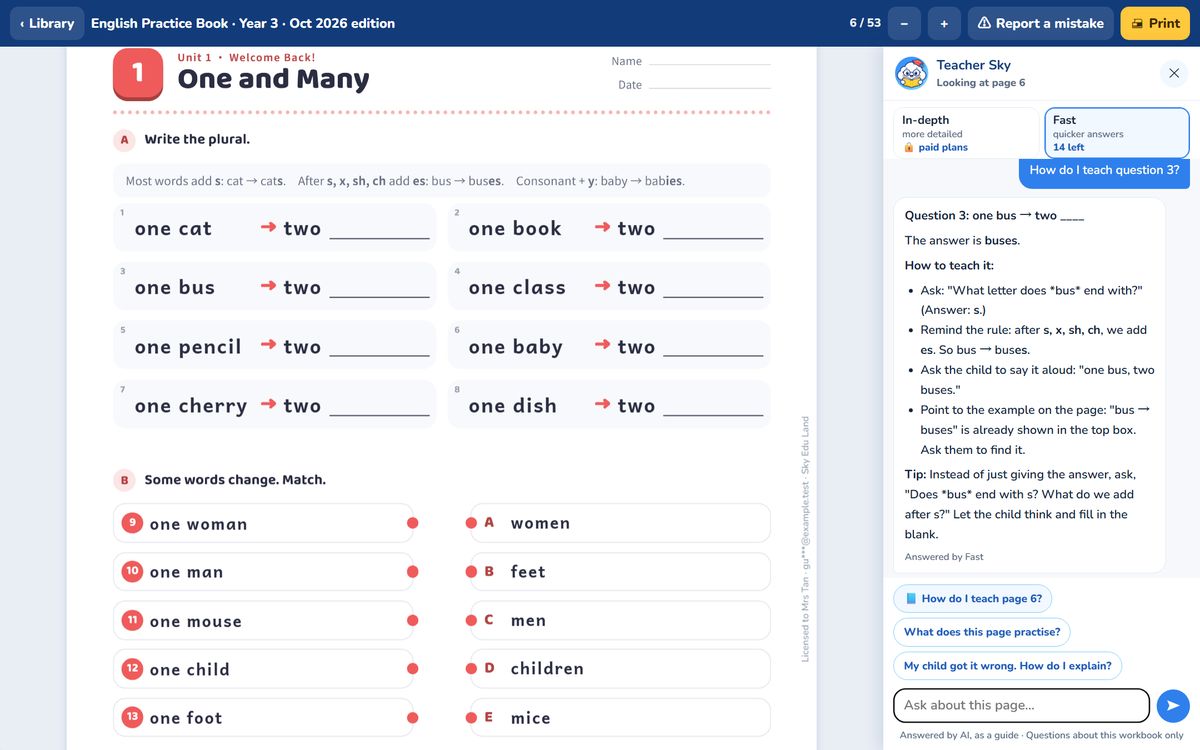
Open the workbook at the page your child is stuck on and click “Ask Teacher Sky”.
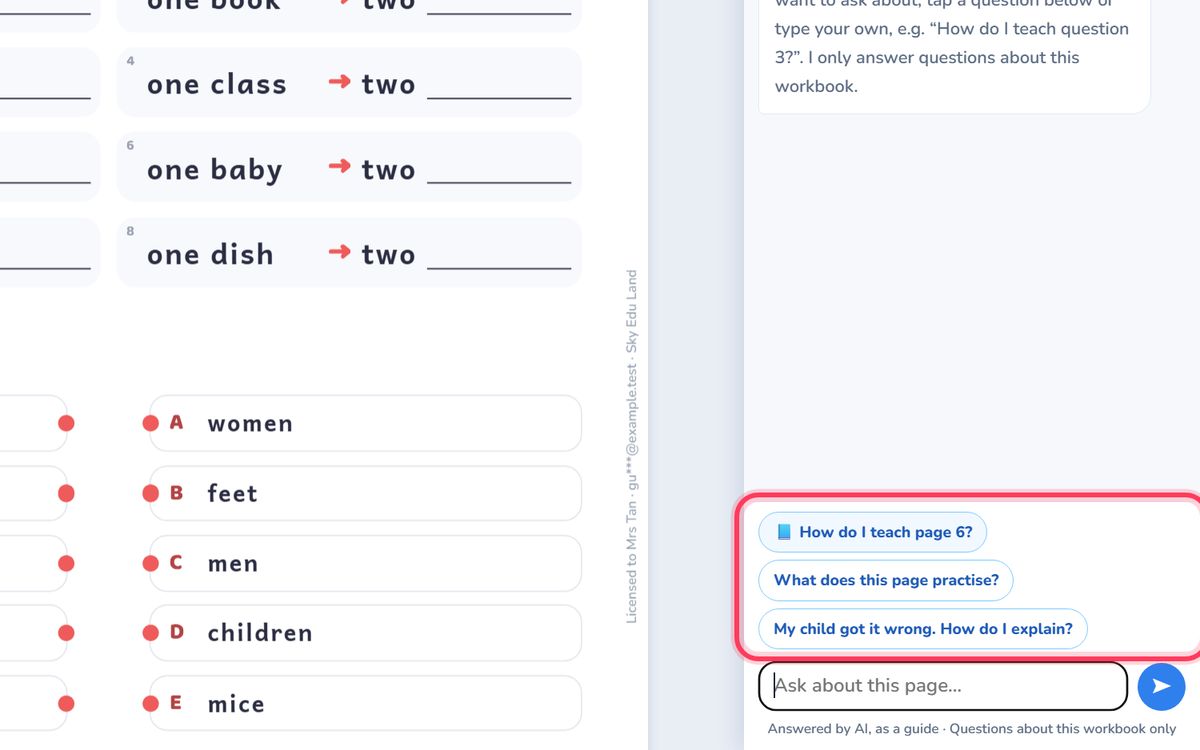
Click a ready question, e.g. “How do I teach page 6?”.
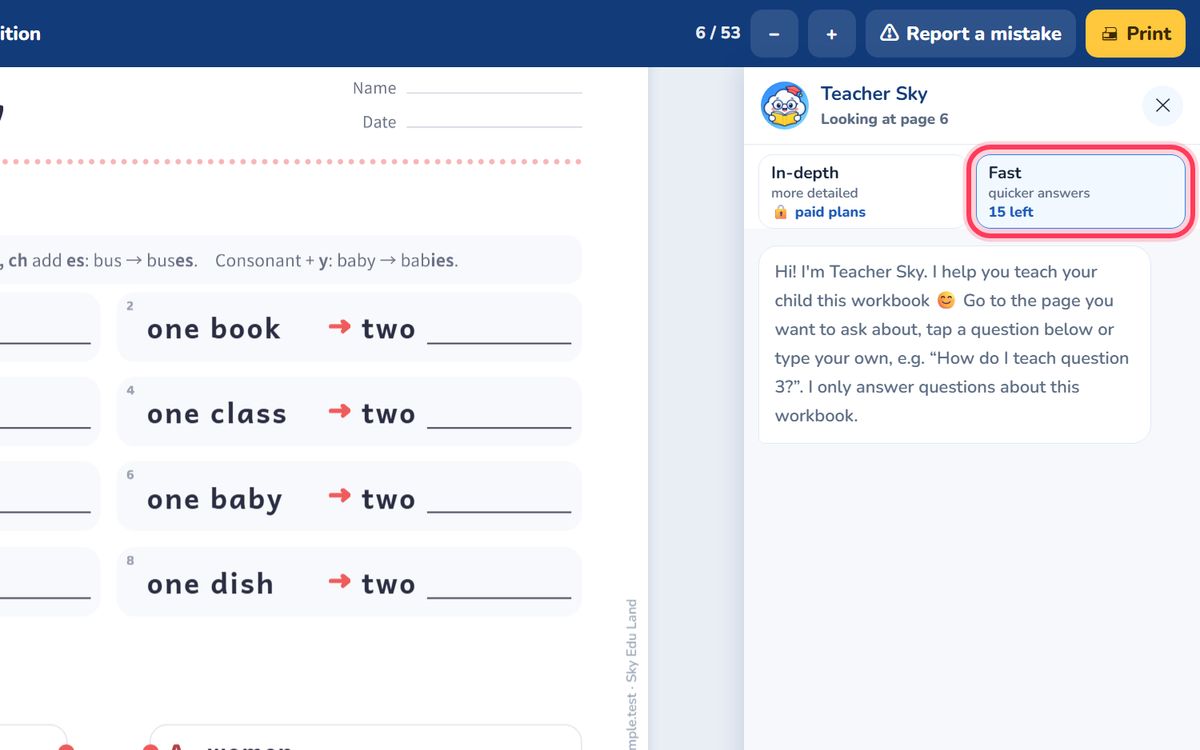
Pick fast (quicker) or in-depth (more detail, on a plan).
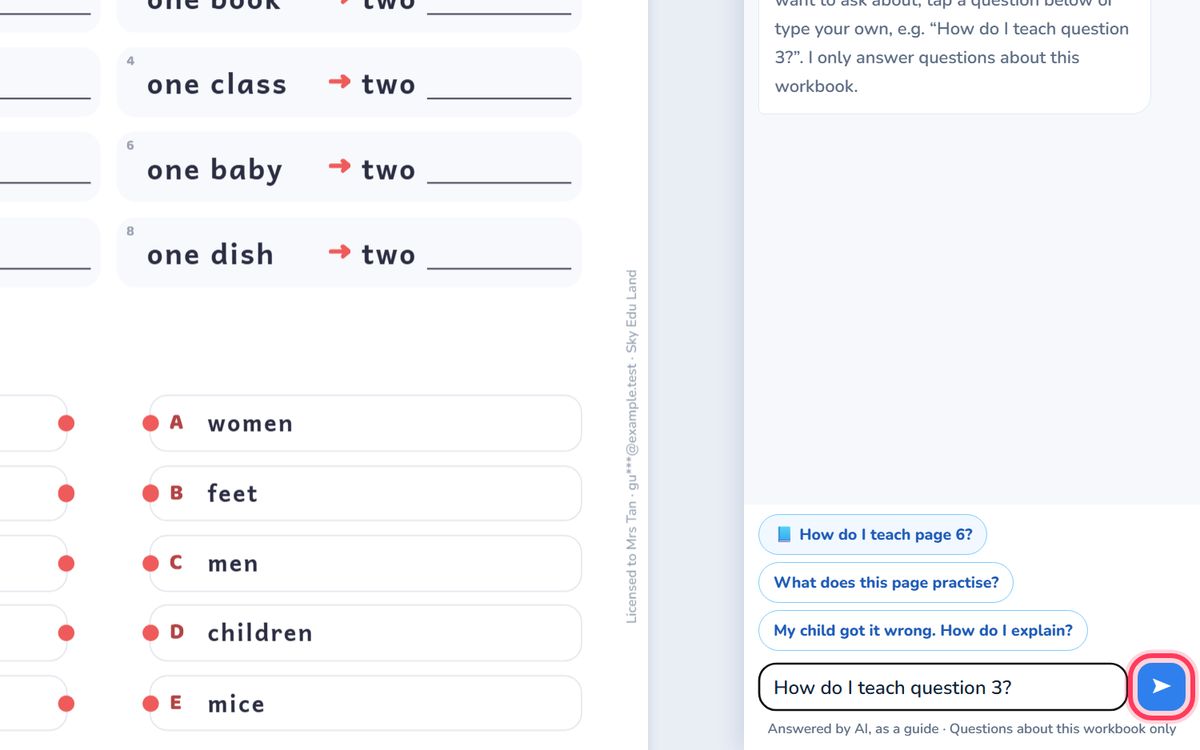
Or type your own, e.g. “How do I teach question 3?”, and click ➤.
Teacher Sky shows you, step by step, how to guide your child to the answer.
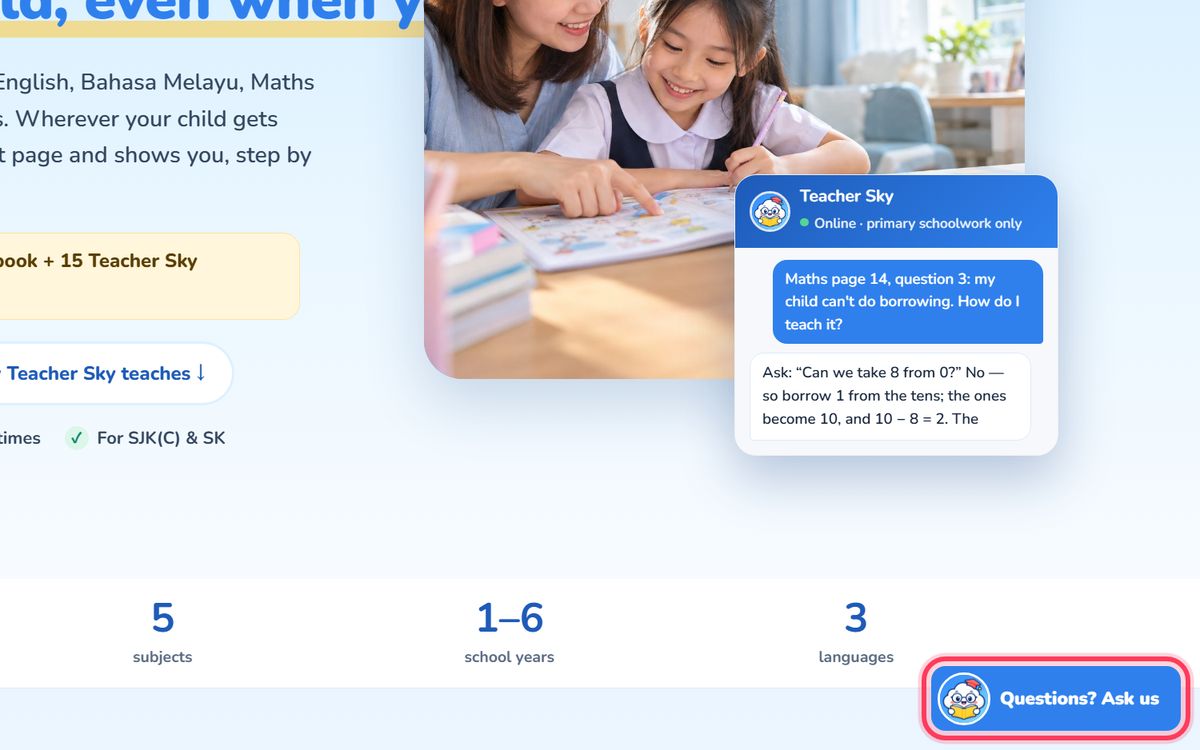
Family plan and up: ask about school homework too. Click “Questions? Ask us” at the bottom right.
Choose the Teacher Sky tab, click 📷 to add photos of the homework (up to 3) and say which question is hard.
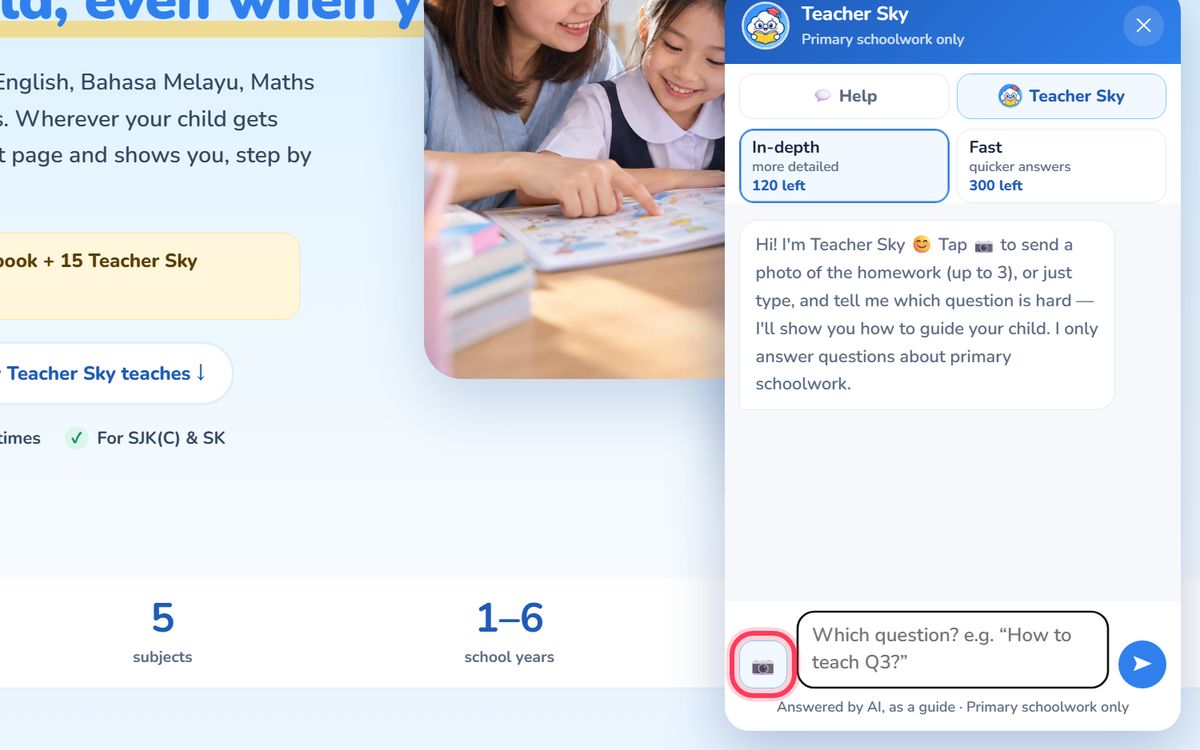
💡 Free members get 15 questions a month. Teacher Sky only answers primary school questions. It is AI, so its answers are a guide.
Download PDF (💻) · Download PDF (📱)