🖨️ How to print
Print as many times as you like. If your child makes mistakes, just print the page again.
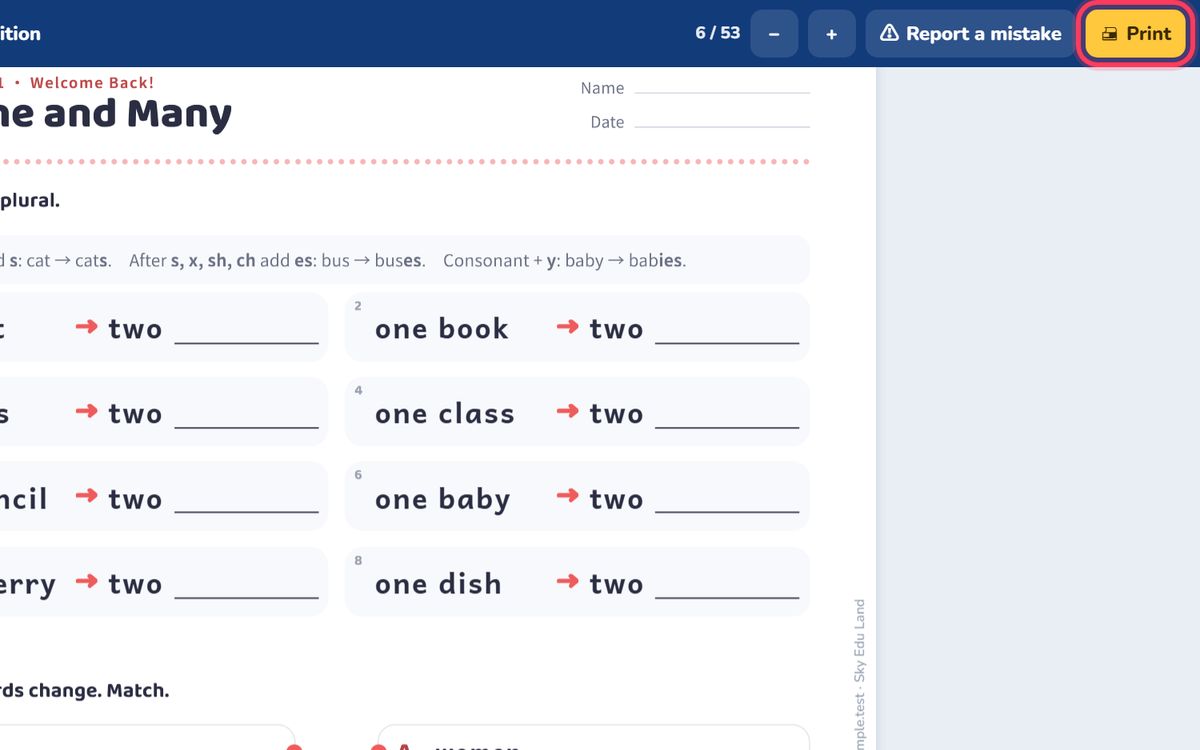
Open the workbook and click “🖨 Print” at the top right.
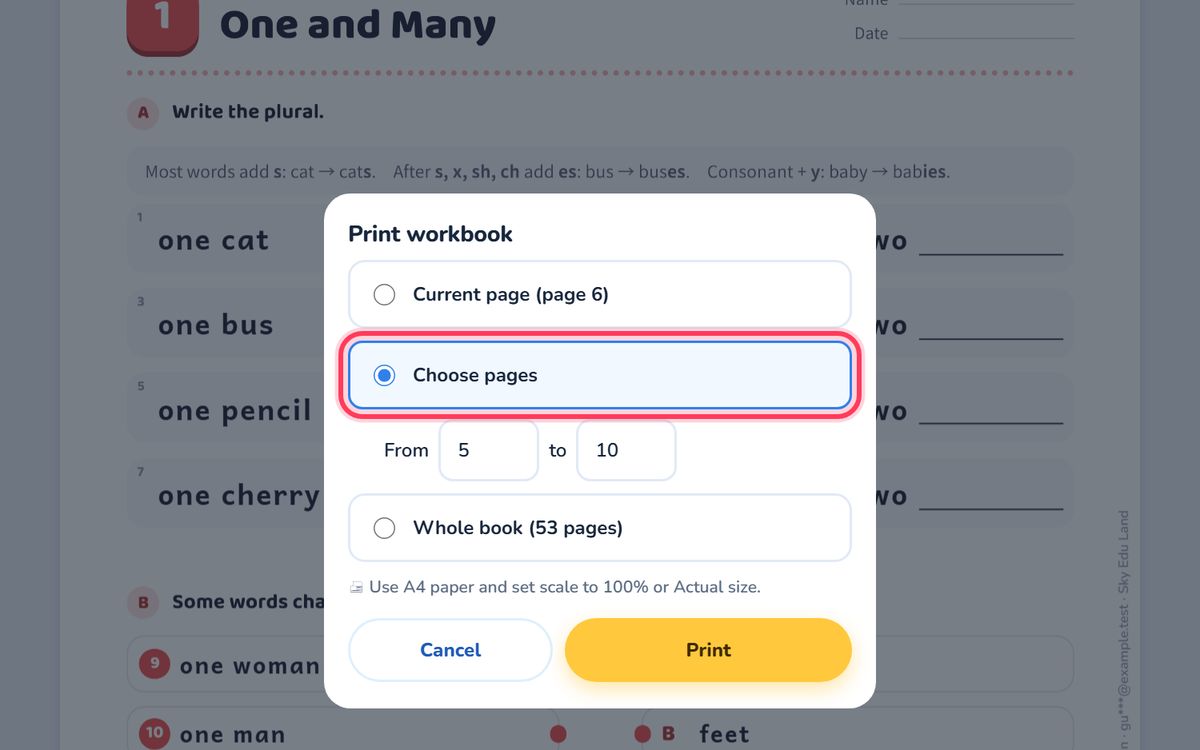
Choose the pages: Current page, Choose pages (e.g. 5 to 10) or Whole book.
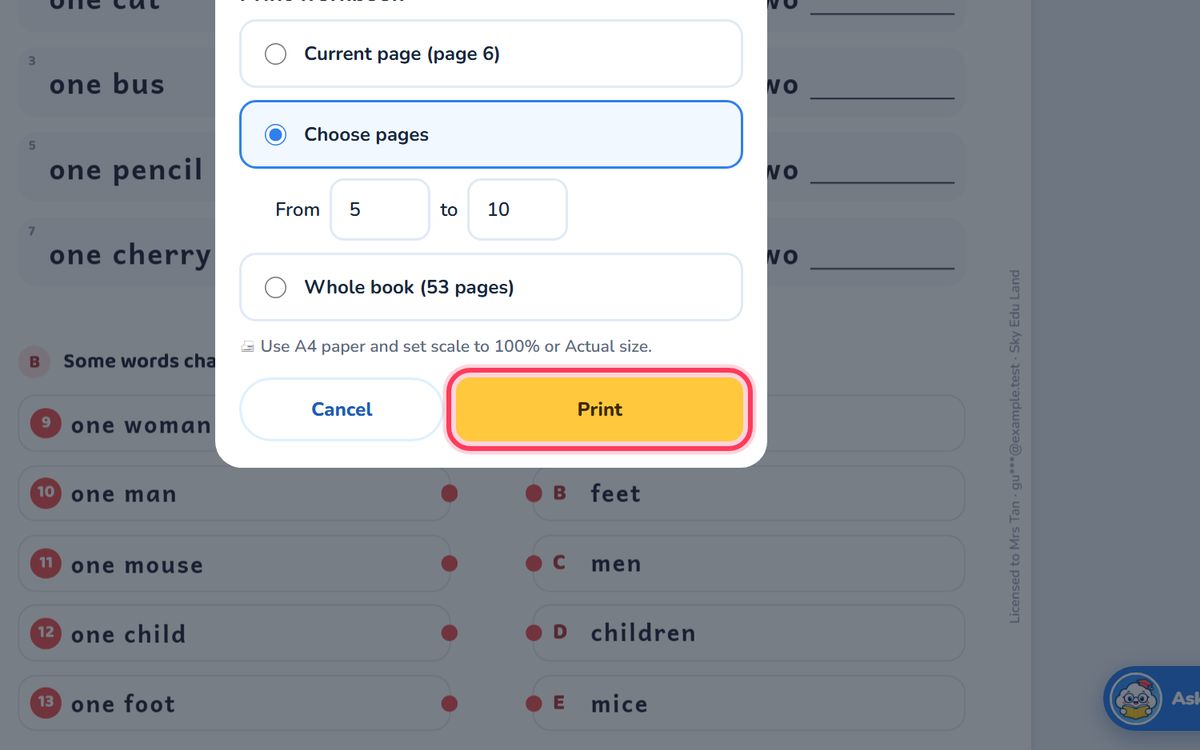
Click “Print”, wait for the pages to get ready, then pick your printer.
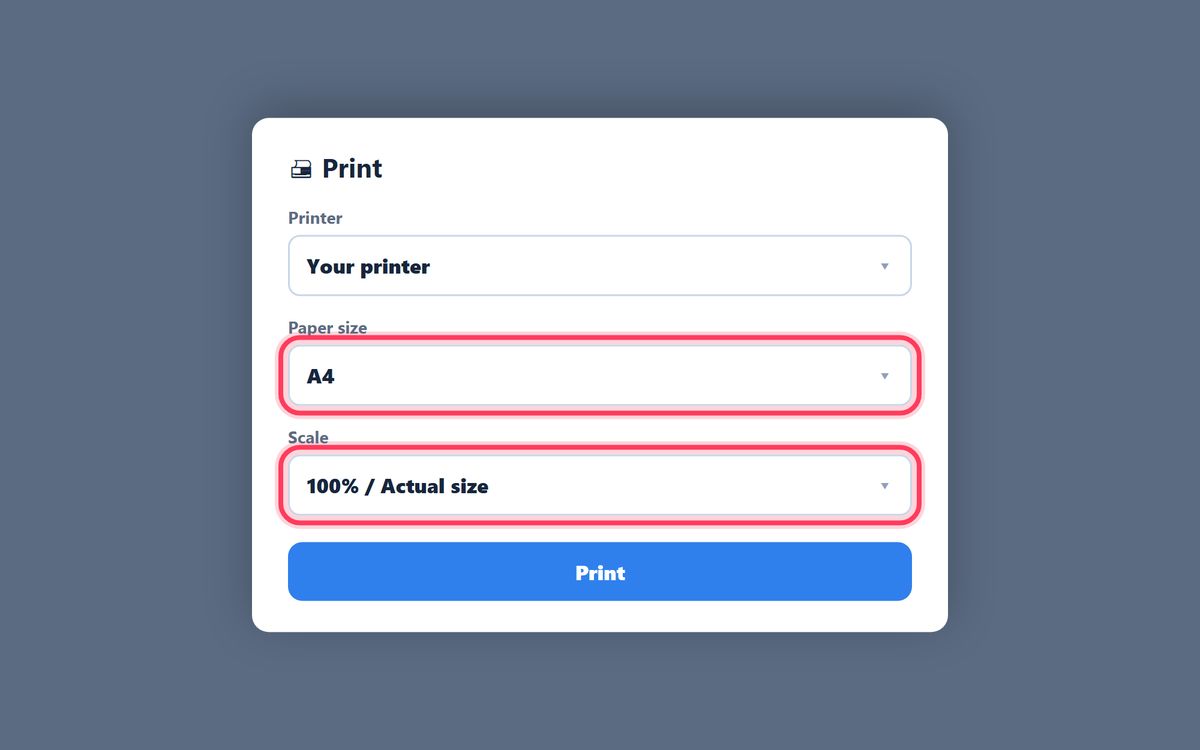
In the printer settings choose A4 paper and scale 100% or Actual size, then print.
💡 Printing from a computer is easiest, and you can print the whole book at once. Workbooks can't be downloaded as PDF, but you can come back and print any time.
Download PDF (💻) · Download PDF (📱)