💳 How to pay (buying workbooks)
Pay by DuitNow transfer: scan with your banking app, Touch 'n Go, GrabPay or Boost.
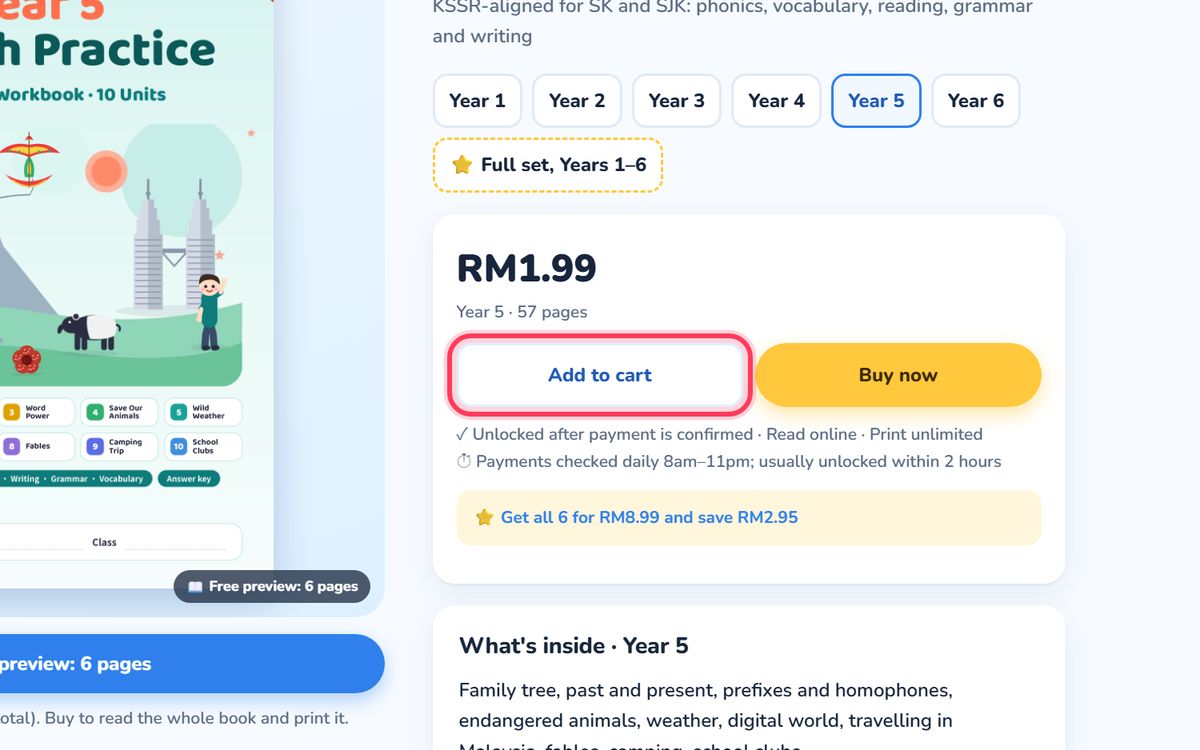
On the workbook page click “Add to cart”.
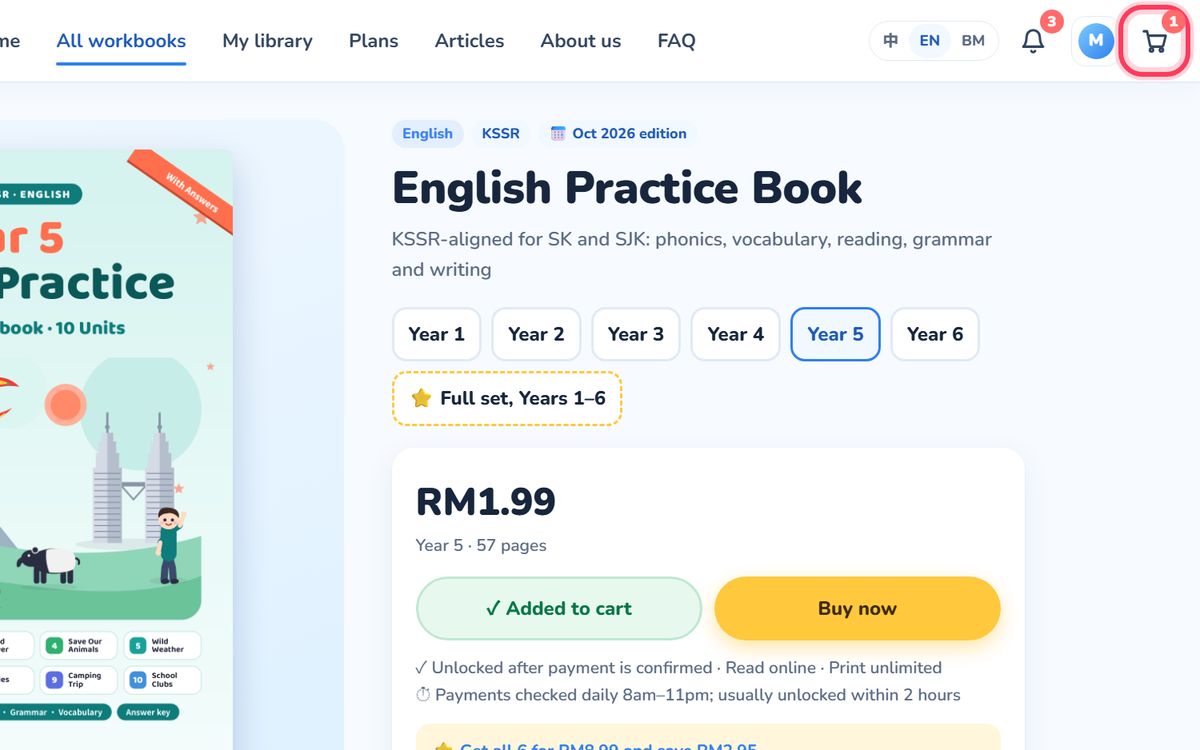
Click 🛒 at the top right to open the cart.
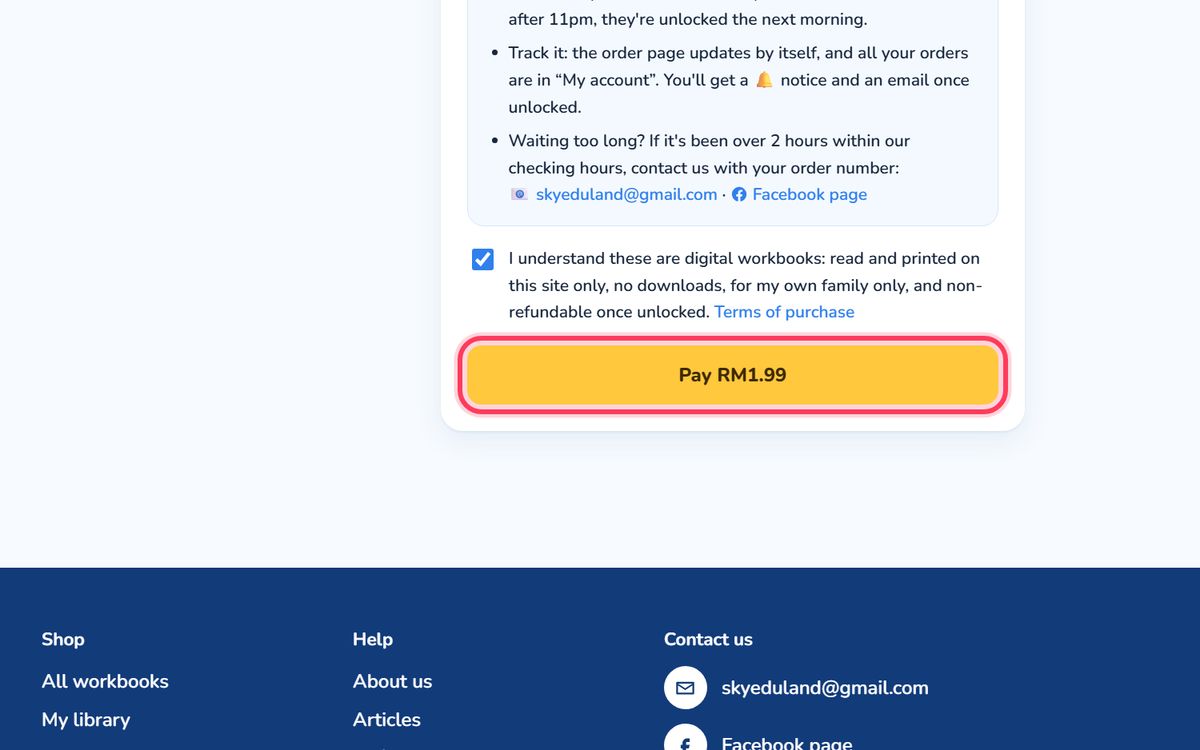
Choose “DuitNow transfer”, tick the agreement and click “Pay”.
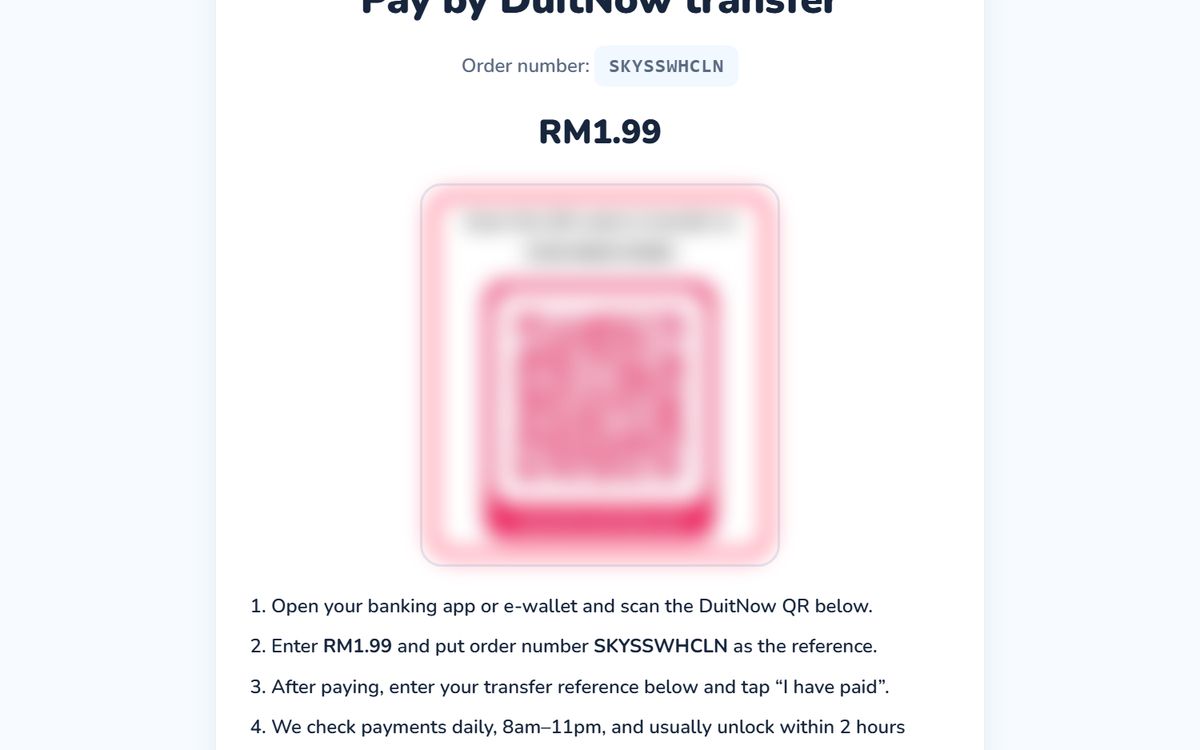
The order page shows the amount and your order number.
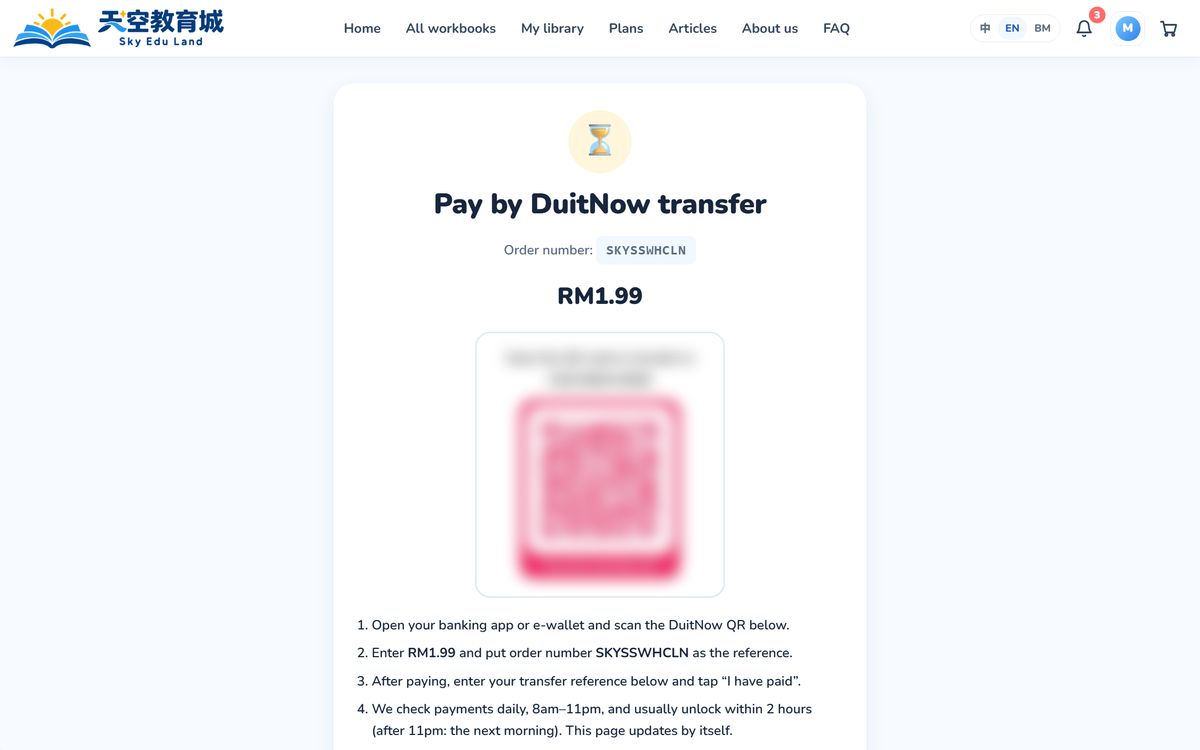
Scan this QR with your banking app or e-wallet, enter the amount and put the order number as the reference. (QR blurred here)
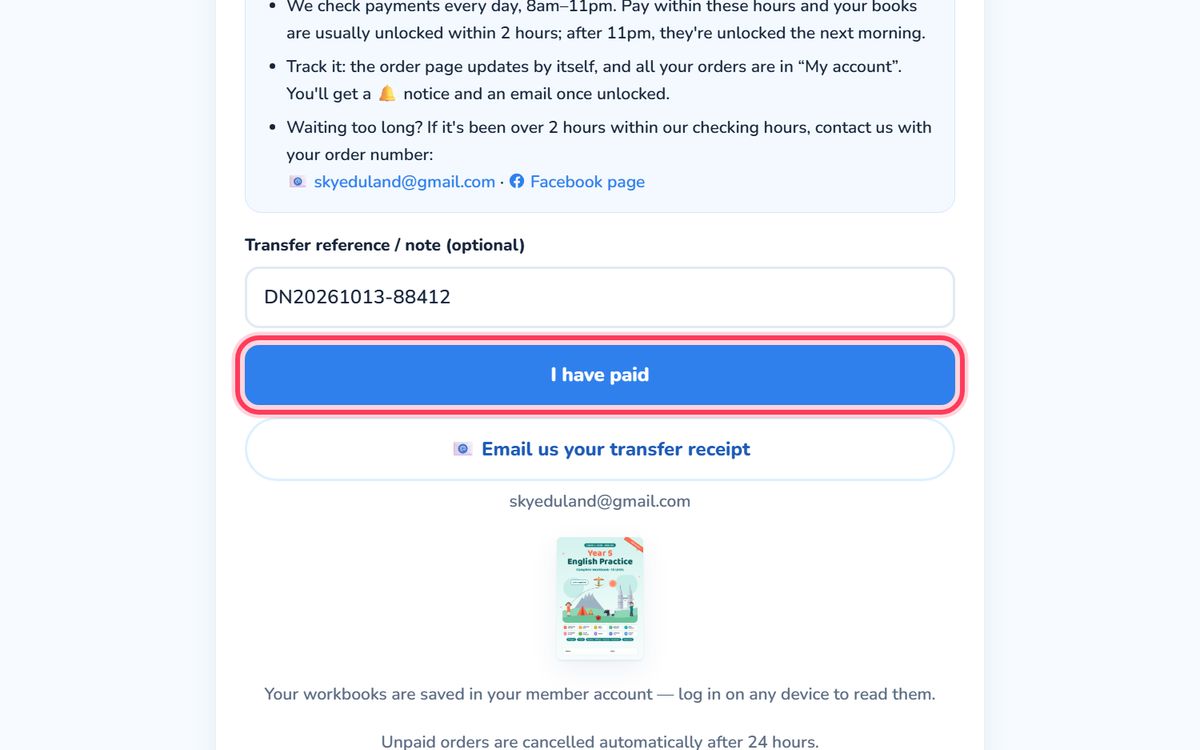
After paying, enter the transfer reference and click “I have paid”.
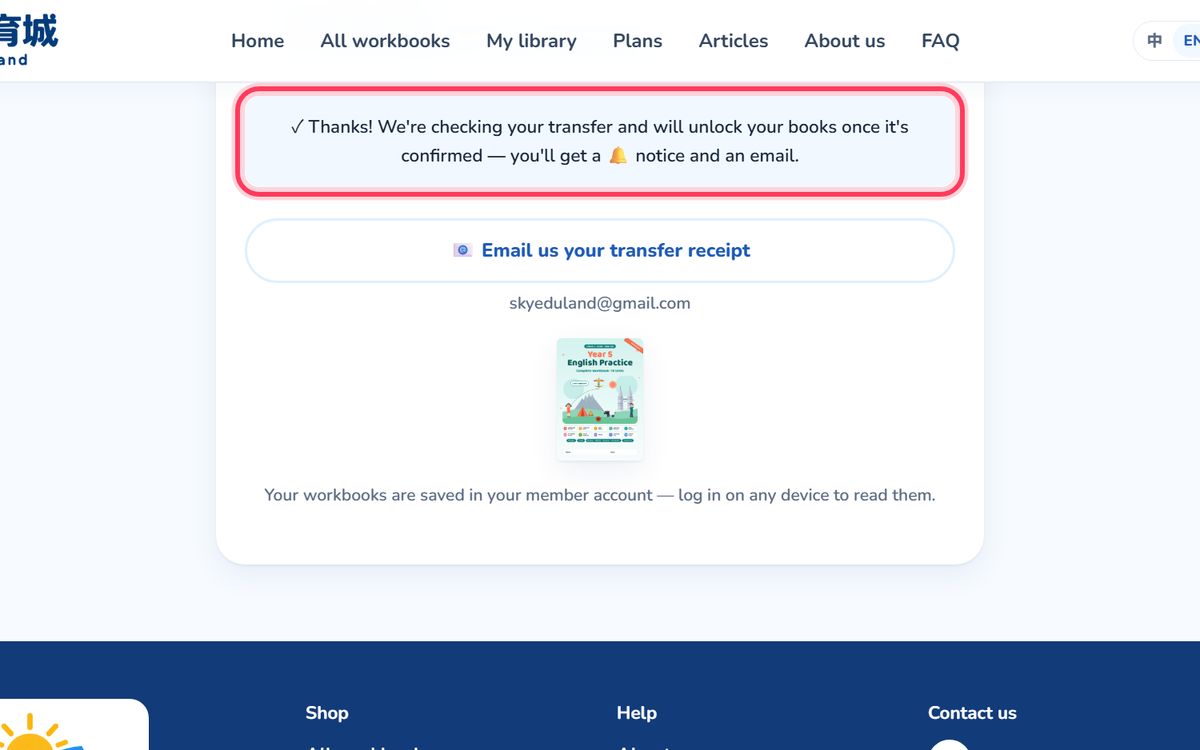
We check payments daily, 8am–11pm, usually within 2 hours (after 11pm: next morning).
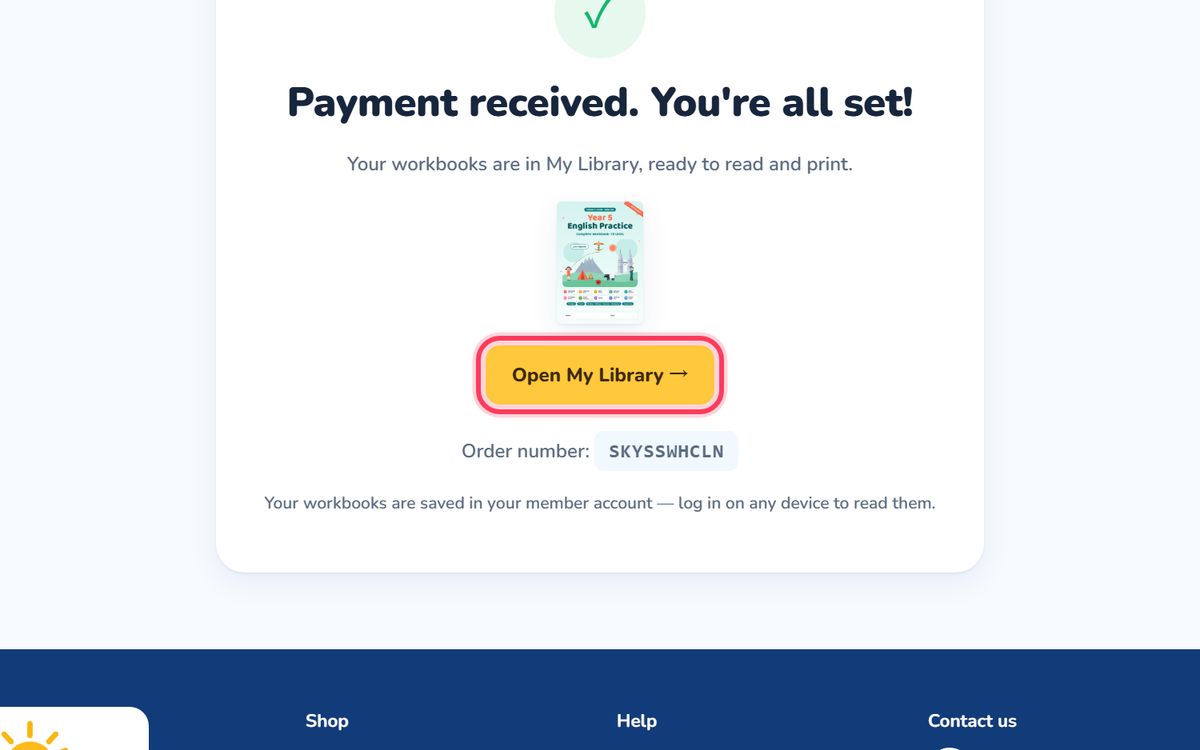
Unlocked! You get a 🔔 and an email. Click “Open My Library” to start.
💡 Still waiting? Email us with your order number. Digital workbooks can't be refunded once unlocked, so please try the free preview first.
Download PDF (💻) · Download PDF (📱)